How to Fix TV Jitter and Stutter: A Quick 30-Second Setting Adjustment
Tech experts explain why modern televisions suffer from choppy movie playback and how a simple settings tweak can completely resolve the issue.
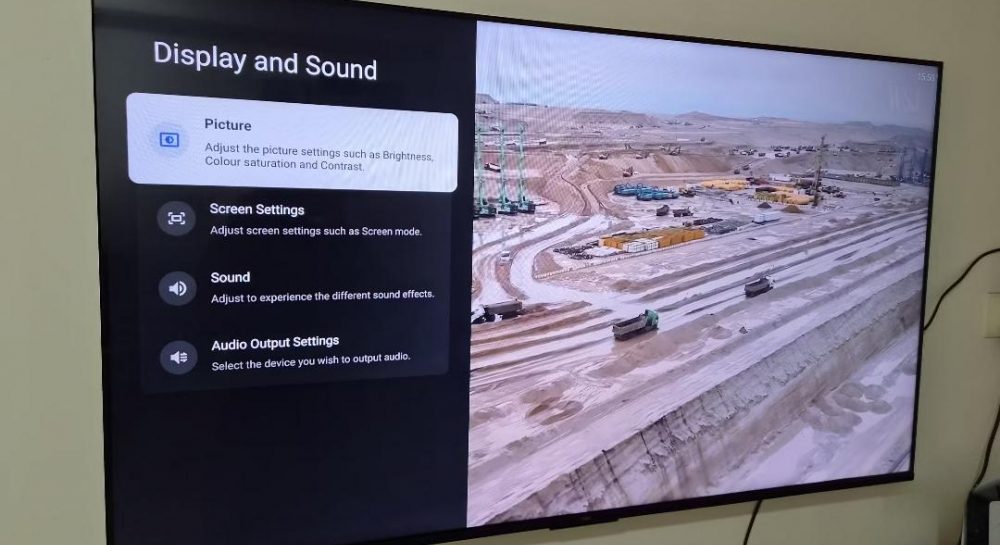 🏙️City
Photo: UNIAN
Key points
- Movie stutter is caused by a mismatch between 24fps content and 60Hz/120Hz screens
- Enabling frame rate matching in settings fixes the problem instantly
- Filmmaker mode removes artificial motion smoothing for a better cinematic experience
Many modern television owners frequently experience annoying stutter and micro-freezes while watching movies, often incorrectly blaming unstable internet connections or streaming app glitches. However, tech analysts point out that the real culprit lies elsewhere.
The Core Reason Behind Choppy Video
The issue stems from a mismatch in frame rates. The vast majority of films and series are shot at 24 frames per second, whereas contemporary television panels refresh at 60Hz or 120Hz. To bridge this gap, devices use specific pulldown mechanisms that often result in uneven motion during panning shots.
Fixing this annoyance takes very little effort. Users simply need to navigate into their television settings and enable the match content frame rate option, which manufacturers frequently leave disabled by default. Once turned on, the display automatically adjusts its refresh rate to match the incoming video source.
Additional Tips for Better Picture Quality
Alongside frame rate matching, experts advise enabling the Filmmaker mode in display settings. This automatically disables aggressive motion smoothing, often referred to as the soap opera effect, preserving the authentic cinematic look intended by creators.
These straightforward adjustments allow viewers to easily upgrade their home entertainment setup and enjoy smooth, cinematic visuals without needing professional assistance.
Source UNIAN — unian.ua/techno/gadgets/chomu-smikayetsya-zobrazhennya-na-televizor… ↗
Read next
 🛡️Security
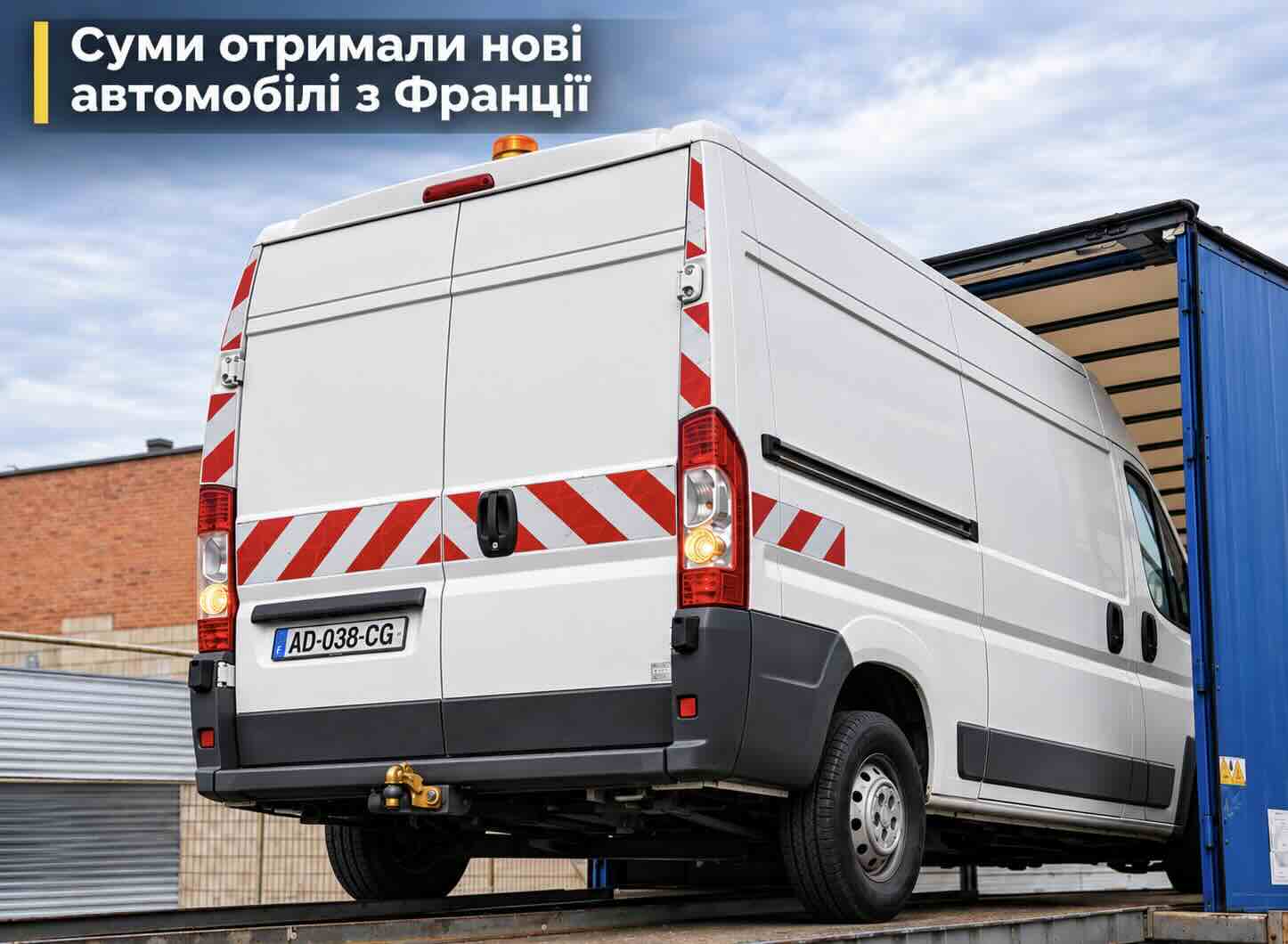
Sumy community receives three vehicles from French partner city Orléans
The city of Sumy has expanded its fleet with three vehicles donated by French partners to support local residents and address the aftermath of shelling.
 🇺🇦Ukraine
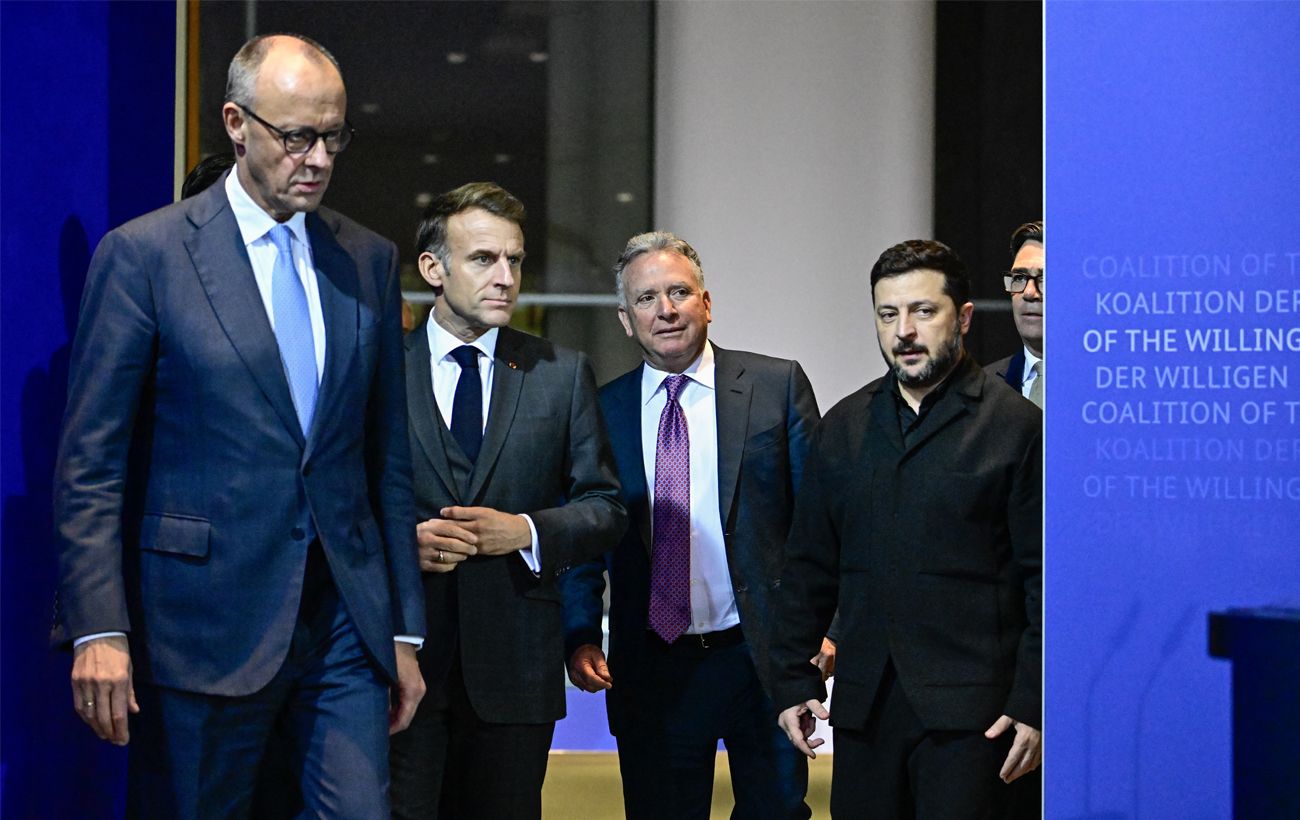
European leaders consider Moscow talks if offered a meaningful role
European nations are willing to engage in talks with Russia regarding security, provided they have a substantive role in the process.
 🛡️Security
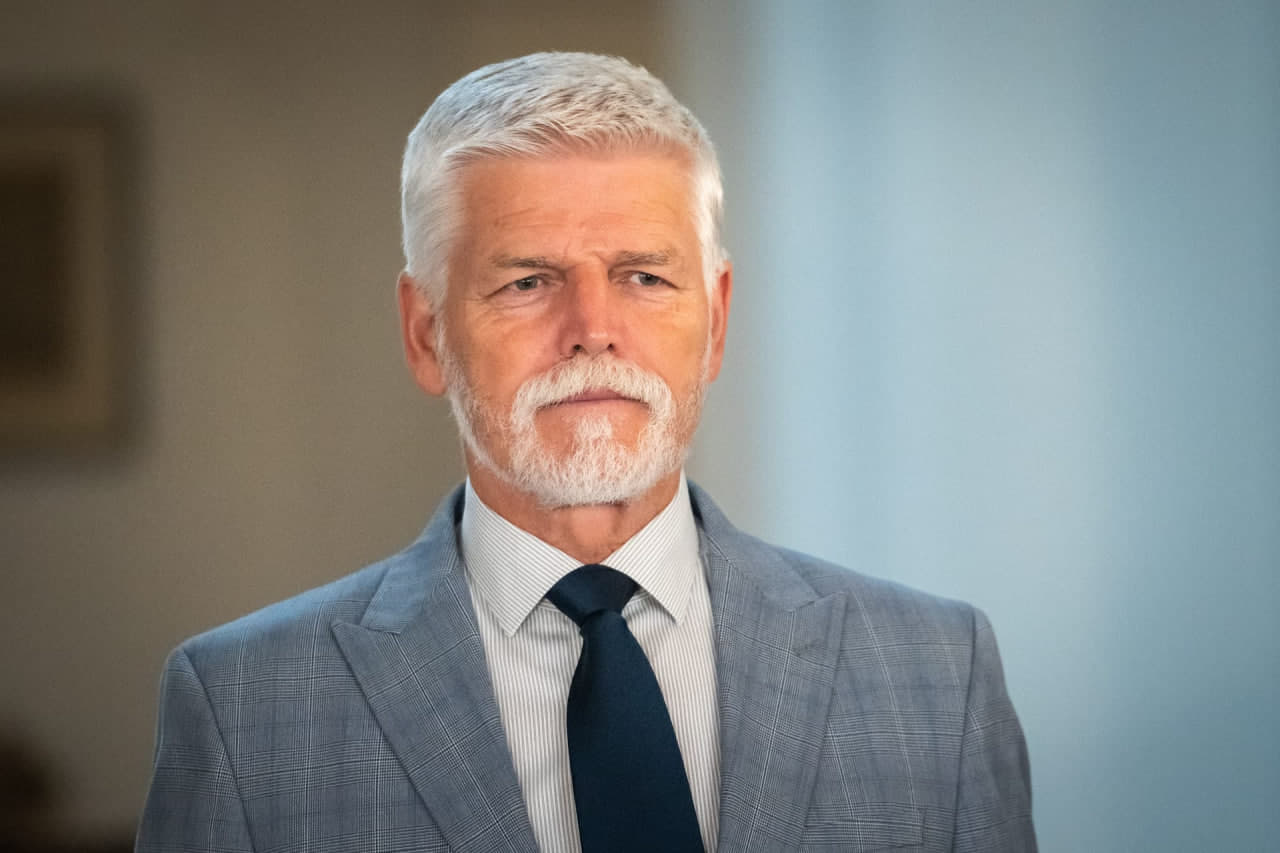
Czech President warns of risk to national airspace from Russian objects
Petr Pavel stated that incidents similar to the one in Poland are only a matter of time for other European nations.
 🏛️Politics
Discussions surrounding Operation 'Carthage': Expert on the accountability of NABU and SAPO leadership
Political expert Taras Zagorodniy emphasized the need for equal accountability before the law for all officials, commenting on the scandal surrounding anti-corruption age…
 🛡️Security
EU to provide €1 billion in military aid to strengthen Ukraine's defense
The EU Council has approved a new military aid package including drones, air defense systems, and ammunition to be delivered by 2027.
 🇺🇦Ukraine
EU to Allocate 1 Billion Euros to Strengthen Ukraine's Defense Capabilities
The EU Council has approved the allocation of 1 billion euros from the European Peace Facility to procure military equipment for Ukraine.